





How to setting/use:Data Share
How to setting
| 1 |
|
Consolidate the lines you want to Data Share for the au IDs which are currently set for each au line into one au ID.
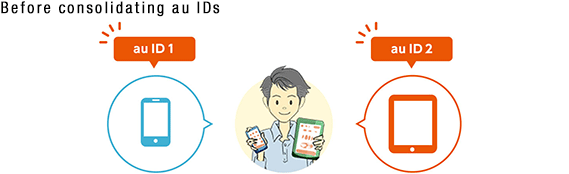

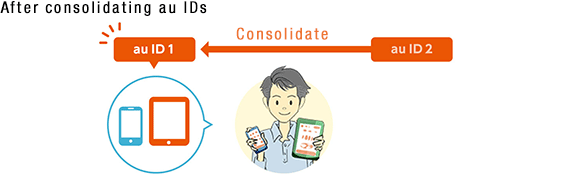
<Important>Check the notes before proceeding with consolidating au IDs!
Proceed with consolidating au IDs(in Japanese only)
- *Consolidating au IDs requires a contract under the same name. There is also a user registration and if the name on the contract differs, you not consolidate au IDs.
- Click here to set the au ID password of each line for users that are not set before consolidating.
| 2 |
Configure Data Share settings |
From "Proceed with using Data Share" in the customer support menu, set the lines that you want to use for Data Share.
| 3 |
You can use Data Share immediately after completing the procedure. |
Notes
Users subscribed to the following options must perform procedures before using Data Share.
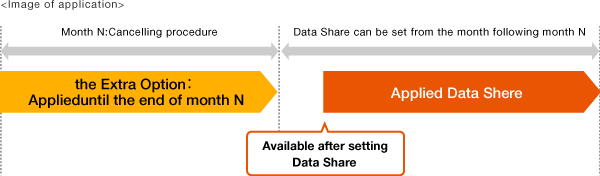
Users subscribed to the Extra Option
Subscription to the option must be terminated by the month prior to using Data Share.
Click here for proceed with cancelling the Extra Option(in Japanese only)
Users subscribed to Anshin Access Service or Restriction on Web Use
Data Share is not available. To use Data Share, visit an au shop / au Style to terminate the option and change to Anshin Access for Android or Anshin Access for iOS. If the contractor is a minor, they must be accompanied by parent/guardian.


